

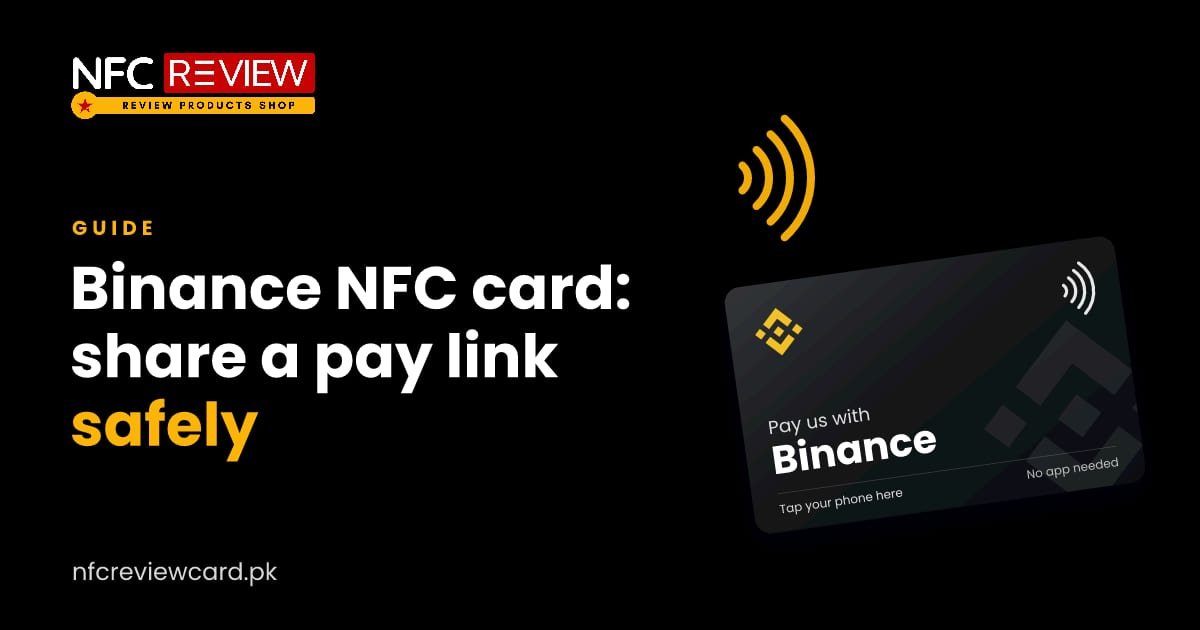
If you accept payment through Binance, you have probably typed out a long Pay ID or profile link many times. A Binance NFC card lets you share that link with one tap. It is a convenience for sharing a public link, nothing more.
*This guide is general information about our product. It is not financial advice. Rules about digital assets differ between countries, so check the regulations that apply to you.*
What the card does
The card holds a link, for example your Binance Pay link or profile link. When someone taps it with their phone, that link opens in their browser or app. They can then follow the steps there to send a payment.
What the card must never contain
A card is a public object. Anyone who holds it can read what is on the chip. So:
- Never put passwords, private keys, seed phrases, API keys or recovery codes on any card.
- Never send them to us. We will never ask for them.
- Only use a link that you would be happy to show a stranger.
If someone claims to be us and asks for wallet details, it is a scam.
Safety tips
- Check the link before you order, by opening it in a private browser window and confirming it shows what you expect.
- Use a separate account or a limit for payments you receive, if your platform allows it.
- Verify payments inside the app, not from a screenshot someone sends you. Screenshots are easy to fake.
- Do not hand the card to people you do not know if it links to more than a public payment page.
- If you lose a card, contact us so we can help you replace it. Because the card holds only a link, losing it does not expose your funds.
Who uses it
- Freelancers and remote workers who invoice international clients.
- Online sellers who accept digital payments.
- Creators who receive tips.
- Event and meet-up organisers.
Where to use it
- Meetings and coffee chats with clients.
- Stalls and pop-ups, next to a printed price list.
- Business cards, as a modern extra.
Tell customers what to do
Print a short line, for example “Tap to open my payment page”. Also say what you accept and how long it takes to confirm.
Combine with other links
Clients often want to see your work before paying. The all-in-one card can open a page with your portfolio, your contact and your payment link. Read Linktree and all-in-one cards.
More guides

Social media
10 Ways to Use Social Media NFC Cards in Your Business
Instagram at the salon mirror, WhatsApp on every parcel, LinkedIn at networking events. Ten practical ways Pakistani businesses use social media NFC cards.
Read guide
Social media
How to Use an Instagram NFC Card to Get More Followers
Tap the card and your Instagram profile opens, with no typing or searching. Here is how it works, which link to use, and where…
Read guide
Social media
WhatsApp NFC Card: One Tap to Start a Chat With Your Business
Most orders in Pakistan start on WhatsApp. A WhatsApp NFC card opens a chat with your number in one tap, with an optional ready-typed…
Read guide