

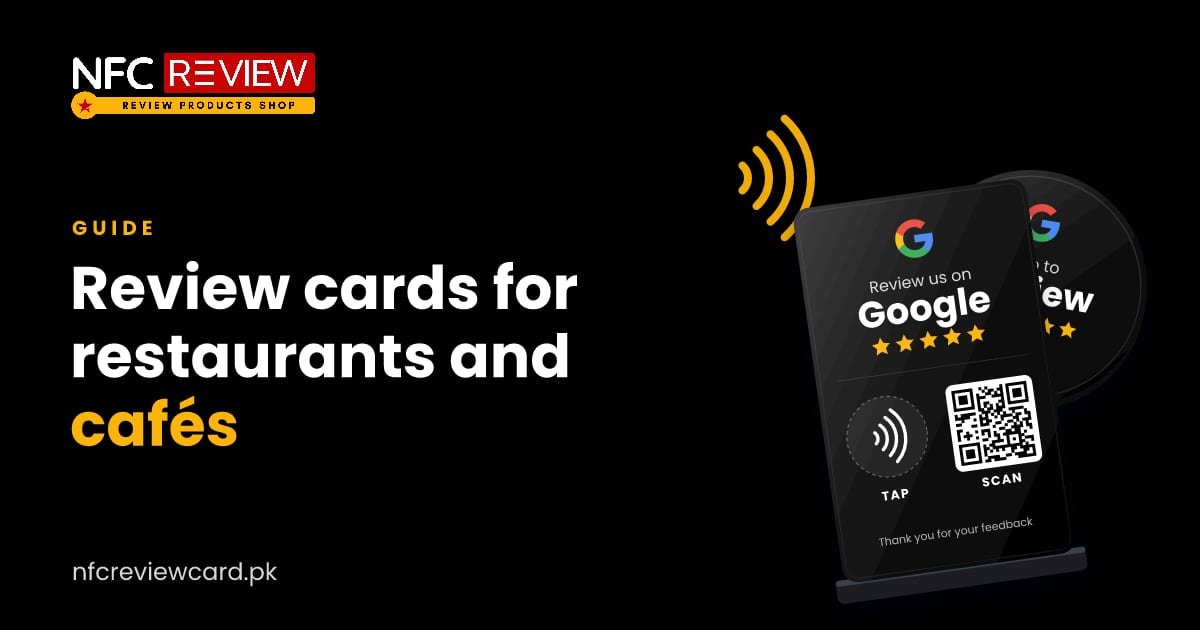
People choose a restaurant by looking at the rating, the number of reviews and how recent they are. A one-tap review point is one of the simplest ways to keep that picture fresh.
Where to place review points
- On every table: a Google review standee next to the menu or condiments. Diners have time to spare while they wait or finish.
- At the till: a review coin next to the card machine, or a standee on the counter.
- On takeaway bags and boxes: a coin on the bag, so customers can review at home.
- On the bill folder: a card or coin, so it is in hand at the right moment.
What to say
Staff do not need a script, only one line when they bring the bill: “If you enjoyed the meal, tap your phone on the stand and leave us a quick review.” Ask every table, not just those who compliment the food, and never offer a discount in return. See what Google allows.
Which product
For several tables or branches, review products are sold wholesale with a minimum order per product: see wholesale pricing.
Tips
- Keep the standee clean and upright. A dirty stand looks like part of the table.
- Add a short line near it: “Tap here to review us on Google.”
- Replace a standee that gets sticky or damaged.
- Reply to new reviews each week, both good and bad.
Common questions
Where should a restaurant put a review standee?
On tables, near the menu or condiments, and at the counter next to the till. Customers see it while they wait or pay.
Can I use one card for several branches?
Each card opens one link, so use one card per branch, each with that branch’s Google review link.
Do customers need an app?
No. An NFC phone opens the review page when tapped. The standee also has a QR code for phones without NFC.
More guides

Guides
NFC Review Cards for Shops and Showrooms in Pakistan
A shop has seconds to ask. A coin at the counter and a card in every bag turn a purchase into a review, a…
Read guide
Guides
NFC Review Cards for Clinics, Dentists and Hospitals in Pakistan
Patients look at Google reviews before choosing a doctor or dentist. A review plate at reception makes it easy to leave one, with a…
Read guide
Guides
NFC Review Cards for Salons and Spas in Pakistan
Salon customers look at reviews and photos before booking. A review plate at the desk and an Instagram card at the mirror put both…
Read guide