


Not every business has space for a standee. The Google review NFC coin is a small round tag with a self-adhesive back. Stick it anywhere, and customers who tap it open your Google review form.
Best places to stick it
- Next to the card machine. Customers are holding their phone or wallet right there.
- On the counter, in the spot where the customer pays.
- On the menu or the bill folder, near the bottom where the eye finishes reading.
- On the takeaway bag or box, so the review can happen at home.
- In delivery bags and vehicles, for riders and drivers.
- On the reception desk or a clipboard in a clinic.
Surfaces to avoid
NFC tags can be affected by metal. If you stick a coin directly onto a metal surface such as a steel counter, a metal machine or a tin, it may read poorly or not at all. If you must use metal, put a thin piece of card or plastic behind the coin, or choose a flat spot on a non-metal surface nearby. Stick it on a clean, dry, flat surface so the adhesive holds.
Make people notice it
A coin is small, so it needs a hint. Put a small sign next to it: “Tap here to review us on Google.” The star icon on the coin helps people recognise what it is.
Ask out loud too
The coin works best with a spoken nudge. At the till, staff can say, “If you enjoyed your visit, tap your phone on the coin and leave us a review.” Ask every customer, not only the happy ones, and never offer a reward in exchange, as Google does not allow it.
Coin, card or standee?
- The coin (Rs 499) is the cheapest and fits anywhere.
- The standee (Rs 799) is easiest to spot on tables and counters.
- The review plate (Rs 799) is a flat plate for busy desks.
Our guide Card vs standee vs coin helps you choose.
Test it
After you stick it down, tap it with your own phone and confirm your review page opens. If you run several branches, use one coin per branch, each with its own link. Ask about bulk orders on WhatsApp.
More guides
Stands & coins
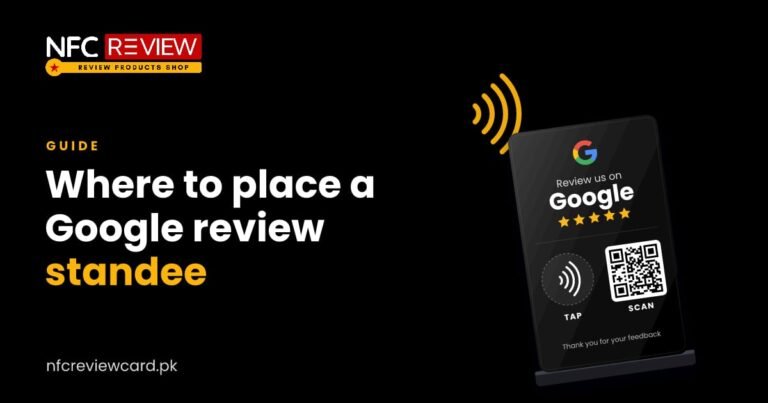
Where to Place a Google Review NFC Standee for More Reviews
A standee only collects reviews if customers see it at the right moment. Here are the best spots in restaurants, salons, clinics and shops,…
Read guide
Stands & coins
NFC Review Plate for Reception Desks: Setup Guide
A flat 100 x 100 mm plate takes little space and works on busy desks. Where the NFC review plate fits best, how to…
Read guide