

Most businesses are active on more than one platform: Instagram for photos, WhatsApp for orders, Facebook for older customers, TikTok for videos, a website for details. A single-platform card sends people to one of them. A link page sends them to all.
What a link page is
A link page is a simple web page with buttons: “Instagram”, “WhatsApp”, “Menu”, “Location” and so on. Customers open the page and tap the one they want. Many free tools can create this page.
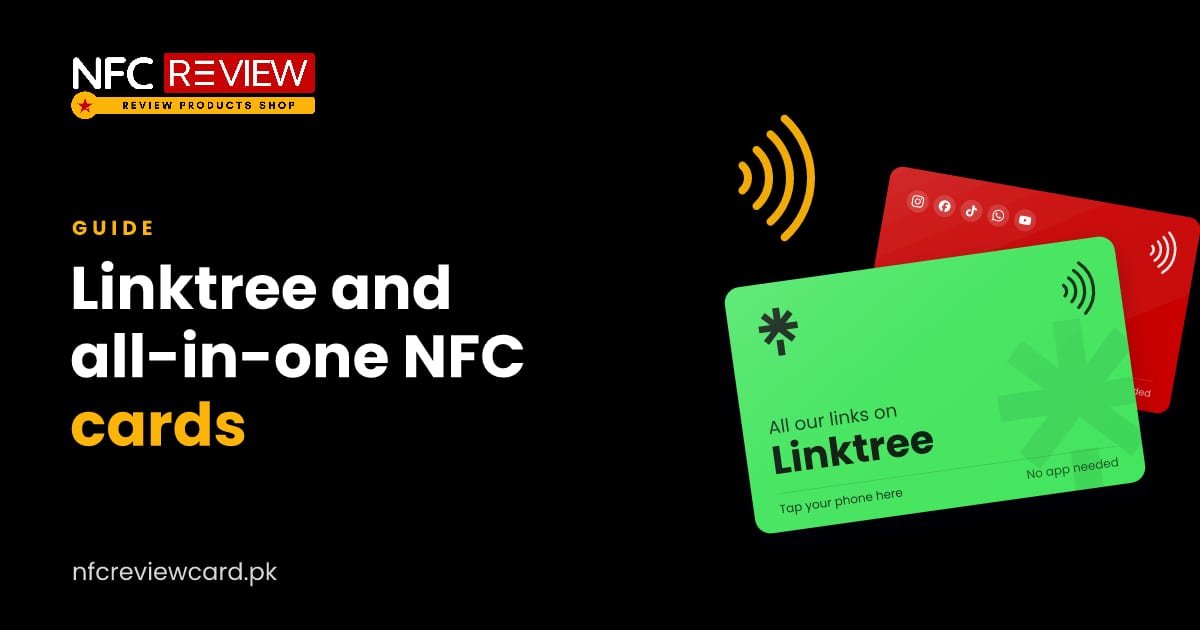
The Linktree NFC card
The Linktree NFC card opens your Linktree page. If you already have one, this is the simplest choice. Any change you make on Linktree, such as adding a new button or changing a link, shows up straight away, without touching the card.
The all-in-one social media card
The all-in-one card is for businesses that want one card without choosing a platform. It opens any single page you give us. Most customers use a free link-in-bio page that lists all their profiles. If you do not have one yet, message us and we will suggest the easiest option.
When to use a link page
Choose a link page when:
- you are active on three or more platforms,
- you are not sure which platform your customers prefer,
- you want to add offers, a menu or a booking button later,
- you want one card for the whole team.
Choose a single-platform card when you want one clear action, for example only reviews or only Instagram.
What to put on your page
Keep it short. Five to seven buttons are enough:
- WhatsApp or phone for orders and questions
- Your main social profile
- Your Google review link
- Website, menu or catalogue
- Location on Google Maps
- Current offer or booking link
Put the most important button at the top.
Tips for a good page
- Use your business name and a clear logo.
- Add a short line about what you do.
- Test every button on a phone.
- Update it when offers change.
Use both a link page and a review card
A link page is great for followers and orders, but review collection works better with one clear action. Keep a Google review card for reviews. See how to get more Google reviews.
Want to change links later?
A dynamic link lets you change where the card points. With a link page, you can change the buttons instead.
More guides

Social media
10 Ways to Use Social Media NFC Cards in Your Business
Instagram at the salon mirror, WhatsApp on every parcel, LinkedIn at networking events. Ten practical ways Pakistani businesses use social media NFC cards.
Read guide
Social media
How to Use an Instagram NFC Card to Get More Followers
Tap the card and your Instagram profile opens, with no typing or searching. Here is how it works, which link to use, and where…
Read guide
Social media
WhatsApp NFC Card: One Tap to Start a Chat With Your Business
Most orders in Pakistan start on WhatsApp. A WhatsApp NFC card opens a chat with your number in one tap, with an optional ready-typed…
Read guide