

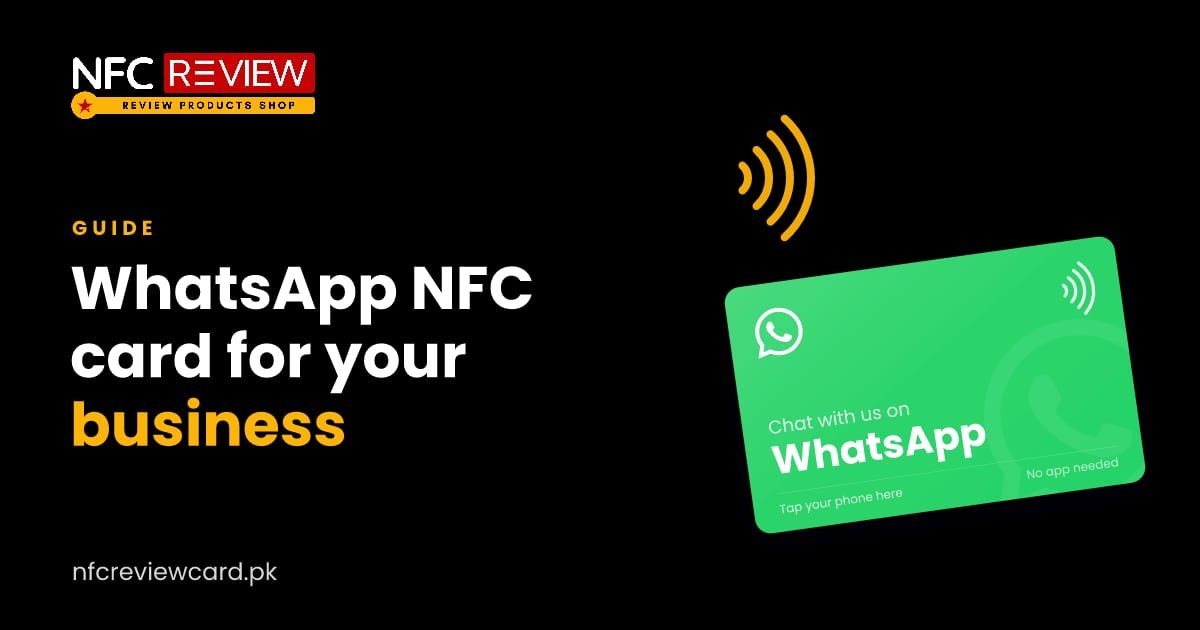
For many businesses in Pakistan, WhatsApp is the shop counter. Orders, bookings and questions all arrive there. A WhatsApp NFC card removes the step where customers have to save your number and search for it.
How it works
We program a WhatsApp “click to chat” link on the chip. When a customer taps the card, WhatsApp opens a chat with your number. They do not need to have your contact saved.
Add a ready-typed message
The link can include a message that is already typed in the chat box. For example:
- “Hi, I would like to place an order.”
- “Hello, I want to book an appointment.”
- “Hi, I need a quote for my event.”
The customer only presses send. This also helps you, because you know what the chat is about the moment it arrives.
Which number to use
Use the number you actually answer. Many businesses use a separate WhatsApp Business number so staff can share the inbox and set an away message. Send us the number in full, for example 0300 1234567, and we will format it correctly.
Where it works best
- Home bakers and food sellers: inside the box or bag, so repeat customers can reorder in one tap.
- Clinics and salons: at reception, for bookings and follow-up questions.
- Shops: at the billing counter, for after-sales questions.
- Tutors and academies: on notices and handouts, for parents to reach you.
- Service providers (plumbers, AC repair, cleaners): left behind after a job, for the next call.
Keep replies quick
A card that opens a chat you answer three days later does more harm than good. Set a greeting message and business hours in WhatsApp Business so customers know when to expect a reply.
Add a line so people know what it does
Print “Tap to chat with us on WhatsApp” next to the card. Many people have never tapped an NFC card, and a short instruction makes them do it.
Combine with other links
If customers should also find your Instagram or website, an all-in-one card opens one page with every link. For review collection, pair it with a Google review card.
Common questions
Do customers need my number saved?
No. The card opens a chat with your number directly.
Can the card open WhatsApp Business?
Yes. If your number is on WhatsApp Business, the chat opens with your business profile.
Can I change the ready-typed message later?
Yes, with a dynamic link. Otherwise the message is fixed when the card is programmed.
More guides

Social media
10 Ways to Use Social Media NFC Cards in Your Business
Instagram at the salon mirror, WhatsApp on every parcel, LinkedIn at networking events. Ten practical ways Pakistani businesses use social media NFC cards.
Read guide
Social media
How to Use an Instagram NFC Card to Get More Followers
Tap the card and your Instagram profile opens, with no typing or searching. Here is how it works, which link to use, and where…
Read guide
Social media
TikTok NFC Card: Turn Customers Into TikTok Followers
Your TikTok videos can keep selling after the customer walks away. A TikTok NFC card opens your profile with one tap. How to use…
Read guide