

When someone in Lahore, Karachi or Islamabad searches “best biryani near me” or “dentist in F-10”, they see a map with three businesses at the top. Those businesses almost always have plenty of recent, good reviews. Google says it plainly in its own advice to businesses: the number of reviews and your rating are part of how local results are ranked.
The good news: most of your customers are happy to review you. They just forget, or it feels like too much effort. Here is how to fix that.
1. Ask at the right moment
The best time to ask is right after a good experience: when the bill is paid, the haircut is done or the patient is leaving reception. Don’t wait for a follow-up message a week later. By then the feeling has passed.
2. Make it one tap
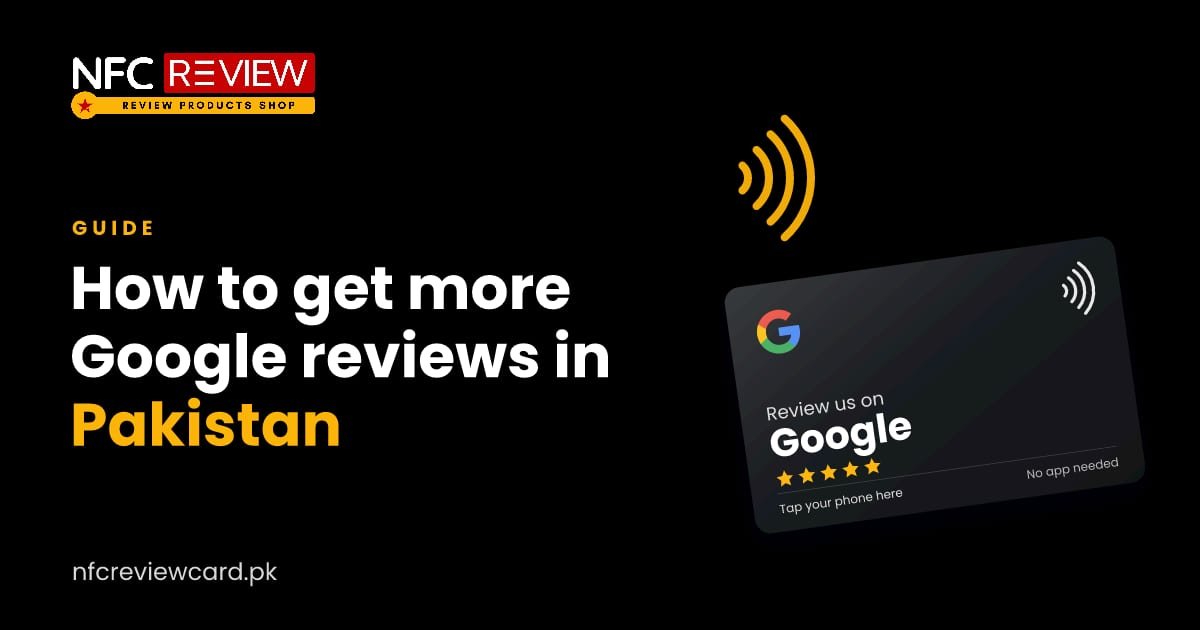
Every extra step loses reviews. Asking someone to “search for us on Google, find the page, scroll to reviews and tap write a review” loses most people halfway. A Google review NFC card or standee opens your review form with one tap, with a QR code for older phones.
3. Give your team a simple line to say
Staff often feel awkward asking. Give them one short sentence, in the language your customers use, for example:
- “If you enjoyed your visit, just tap here and leave us a quick review.”
- “Agar aap ko hamari service achi lagi ho, to yahan tap kar ke review de dein.”
Say it once, point at the card, and let the customer decide.
4. Put review points where people wait
People review when they have a spare minute. Good spots are the billing counter, restaurant tables while the bill is on its way, the waiting area in a clinic, and beside the card machine. A small review coin fits where a standee won’t.
5. Send the link after delivery
If you deliver food, cakes or online orders, send your Google review link on WhatsApp after delivery. Keep the message short and personal: thank them, then share the link.
6. Reply to every review
Replying shows new customers that you care, and Google recommends responding to reviews. Thank people for good reviews. For bad ones, stay calm, apologise where it is fair and offer to fix things offline.
7. Keep reviews coming, not all at once
Twenty reviews in one week and then nothing for six months looks odd to customers. A card on the counter collects reviews steadily, every day, which keeps your profile fresh.
8. Stay within Google’s rules
Google does not allow businesses to:
- offer discounts, gifts or money in exchange for reviews,
- ask only happy customers while steering unhappy ones away,
- post fake reviews or buy reviews.
Breaking these rules can get reviews removed or your profile restricted. Ask everyone, and let them say what they honestly think.
The quick version
Ask right after a good experience, make it one tap, and do it every day. That is what an NFC review card is built for. Browse our review cards or stands, plates and coins to get started.
More guides

Guides
NFC Review Cards for Shops and Showrooms in Pakistan
A shop has seconds to ask. A coin at the counter and a card in every bag turn a purchase into a review, a…
Read guide
Guides
NFC Review Cards for Clinics, Dentists and Hospitals in Pakistan
Patients look at Google reviews before choosing a doctor or dentist. A review plate at reception makes it easy to leave one, with a…
Read guide
Guides
NFC Review Cards for Salons and Spas in Pakistan
Salon customers look at reviews and photos before booking. A review plate at the desk and an Instagram card at the mirror put both…
Read guide