

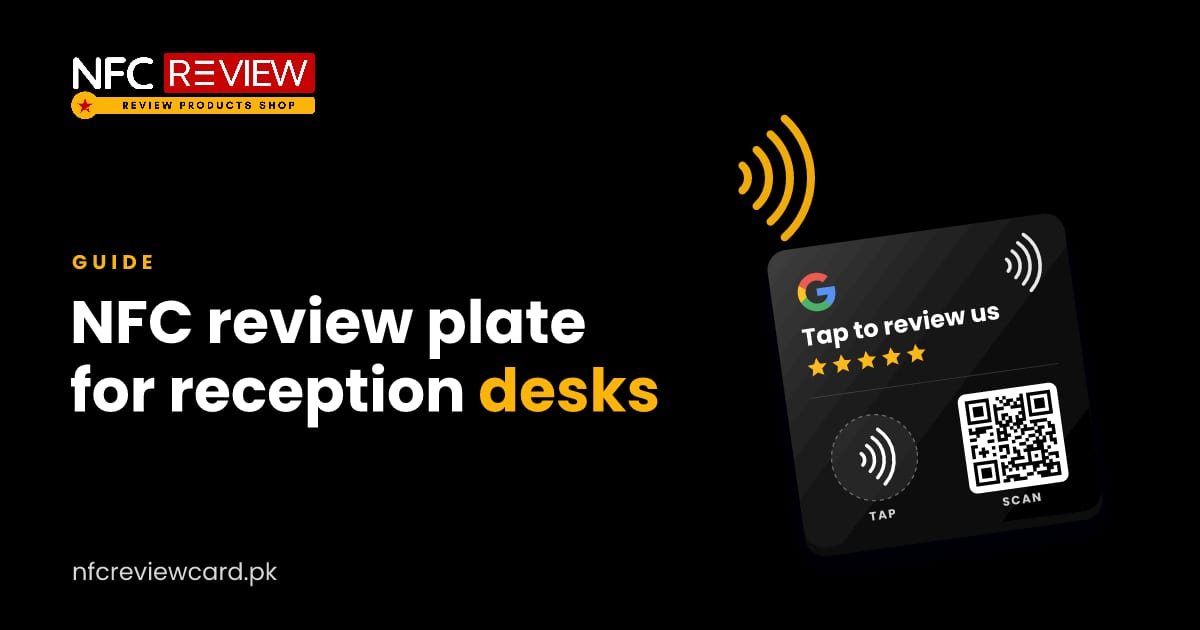
Reception desks are crowded: phone, keyboard, files, a bell. A tall standee can get in the way. The NFC review plate is a flat 100 × 100 mm square that sits on the desk, or is fixed to it, without taking up much room.
What it does
Like the standee, it has an NFC chip and a QR code. A customer taps their phone on the plate or scans the code, and your review page opens. You can program it with your Google review link or any other link you choose.
Where the plate fits best
- Clinics and dental practices: on the reception desk, facing the patient.
- Pharmacies: on the counter next to the billing machine.
- Hotel front desks and concierge counters: beside the key-card area.
- Offices and showrooms: at the visitor desk.
- Banks, insurance and travel agents: on the service counter.
- Salons and spas: beside the payment terminal.
How to set it up
- Choose a spot the customer faces, not one facing you. The plate should be visible from the customer’s side.
- Keep it flat and steady. A non-slip pad or a small piece of double-sided tape under it stops it from sliding.
- Avoid placing it on metal. Metal surfaces can weaken the NFC signal. A wooden or plastic desk, or a piece of card underneath, works better.
- Test it with your own phone and confirm it opens your review page.
Add a line of instruction
Customers need to know what to do. Add a small sign or sticker next to it, for example “Tap or scan to review us on Google”. The plate already shows the Tap and Scan icons.
Ask in person
The plate works best when staff mention it: “If you were happy with the service, please tap the plate and leave a short review.” Ask everyone, and do not offer a reward, since Google does not allow it.
Plate or standee?
- The plate (Rs 799) lies flat and suits crowded, busy desks.
- The standee (Rs 799) stands up and is easier to spot from a distance.
- The coin (Rs 499) is the smallest.
See our comparison card vs standee vs coin, and where to place a standee.
More guides
Stands & coins
Where to Place a Google Review NFC Standee for More Reviews
A standee only collects reviews if customers see it at the right moment. Here are the best spots in restaurants, salons, clinics and shops,…
Read guide
Stands & coins
Google Review NFC Coin: Where to Stick It and How It Works
The review coin is the smallest and cheapest way to collect Google reviews. Here are the best places to stick it, the surfaces to…
Read guide